
Sunny Sports on the Coast
Read this page
Listen to the narration or read along. Tap a highlighted word to hear it and see what it means.
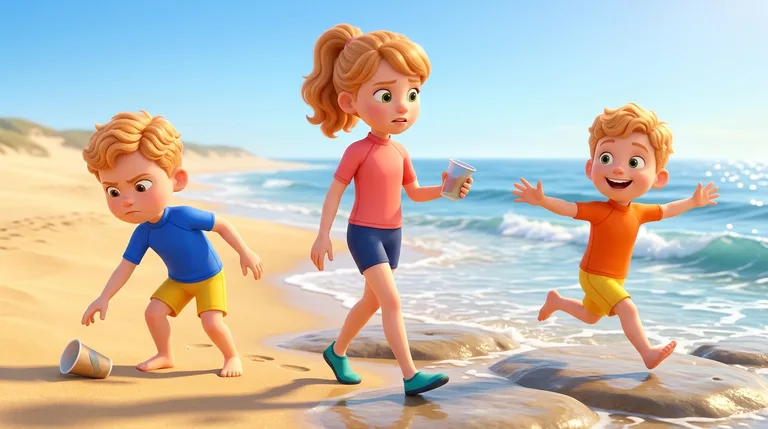
The sunny morning at the Sunshine Coast was bright and warm. Harriet and her twin brothers, Oliver and Farrel, ran toward the golden sand. Harriet wore soft water shoes to protect her feet from any tiny ABRASION on the sharp rocks. The happy children loved the fresh ocean air, and they ABHOR litter, so they picked up two plastic cups to keep the beach tidy.
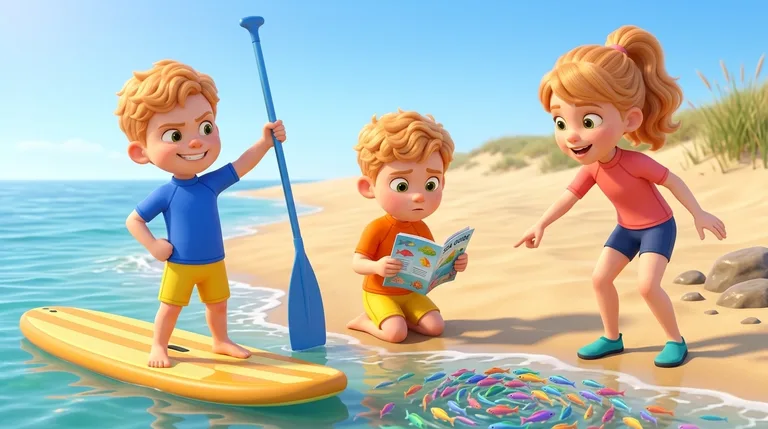
Next, Oliver and Farrel looked at an ocean guide to DECIPHER the pictures of local sea animals. Oliver felt AUDACIOUS and ready for a bold ocean adventure on his paddleboard. Harriet pointed toward the gentle waves, where a BOUNTIFUL school of colorful fish swam together in the clear water.
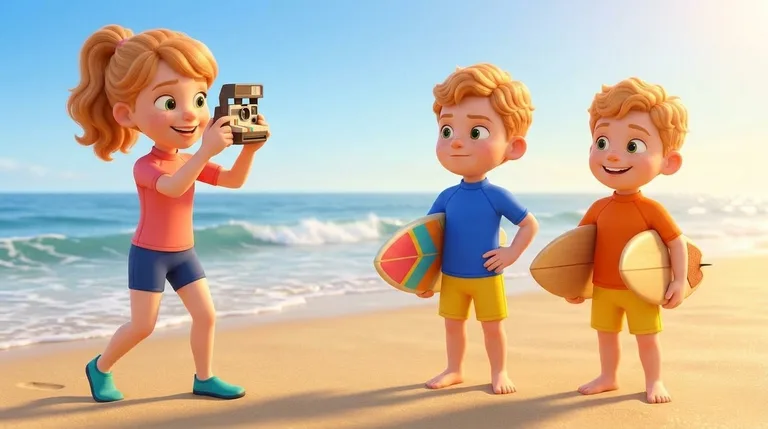
To COMMEMORATE their special holiday, Harriet took a cheerful photograph of the twins holding their surfboards. Oliver listened carefully to the instructor so he could ASSIMILATE every safety rule before entering the sea. The twins learned how the ocean waves roll softly onto the shore.
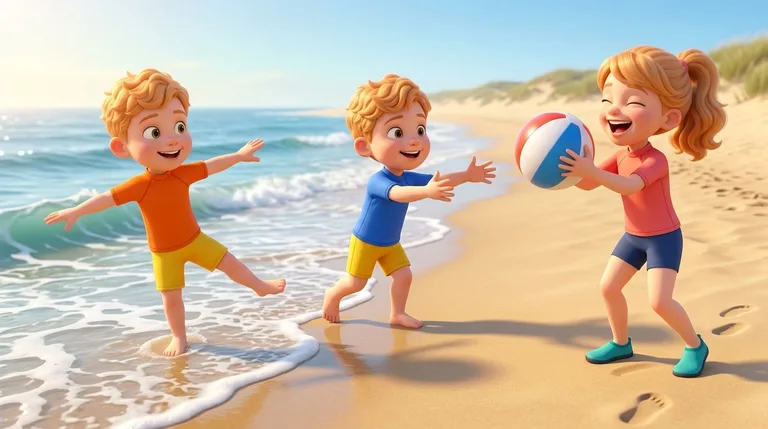
Out on the water, Farrel was very AGILE as he hopped quickly onto his board with perfect balance. When they returned to the sand for a friendly game of beach ball, Oliver chose to FORFEIT his turn so a new friend could play too. Everyone cheered and shared with big smiles.
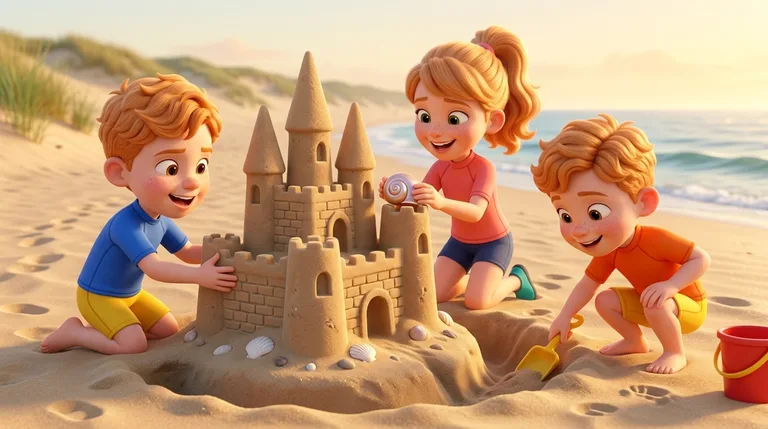
As the afternoon cooled, the children sat down to CONSTRUCT a grand sandcastle with tall towers and seashell windows. Harriet, Oliver, and Farrel laughed together, happy to have shared such a wonderful day of beach sports on the sunny shore.
Want the whole story at once?
The sunny morning at the Sunshine Coast was bright and warm. Harriet and her twin brothers, Oliver and Farrel, ran toward the golden sand. Harriet wore soft water shoes to protect her feet from any tiny ABRASION on the sharp rocks. The happy children loved the fresh ocean air, and they ABHOR litter, so they picked up two plastic cups to keep the beach tidy.
Next, Oliver and Farrel looked at an ocean guide to DECIPHER the pictures of local sea animals. Oliver felt AUDACIOUS and ready for a bold ocean adventure on his paddleboard. Harriet pointed toward the gentle waves, where a BOUNTIFUL school of colorful fish swam together in the clear water.
To COMMEMORATE their special holiday, Harriet took a cheerful photograph of the twins holding their surfboards. Oliver listened carefully to the instructor so he could ASSIMILATE every safety rule before entering the sea. The twins learned how the ocean waves roll softly onto the shore.
Out on the water, Farrel was very AGILE as he hopped quickly onto his board with perfect balance. When they returned to the sand for a friendly game of beach ball, Oliver chose to FORFEIT his turn so a new friend could play too. Everyone cheered and shared with big smiles.
As the afternoon cooled, the children sat down to CONSTRUCT a grand sandcastle with tall towers and seashell windows. Harriet, Oliver, and Farrel laughed together, happy to have shared such a wonderful day of beach sports on the sunny shore.